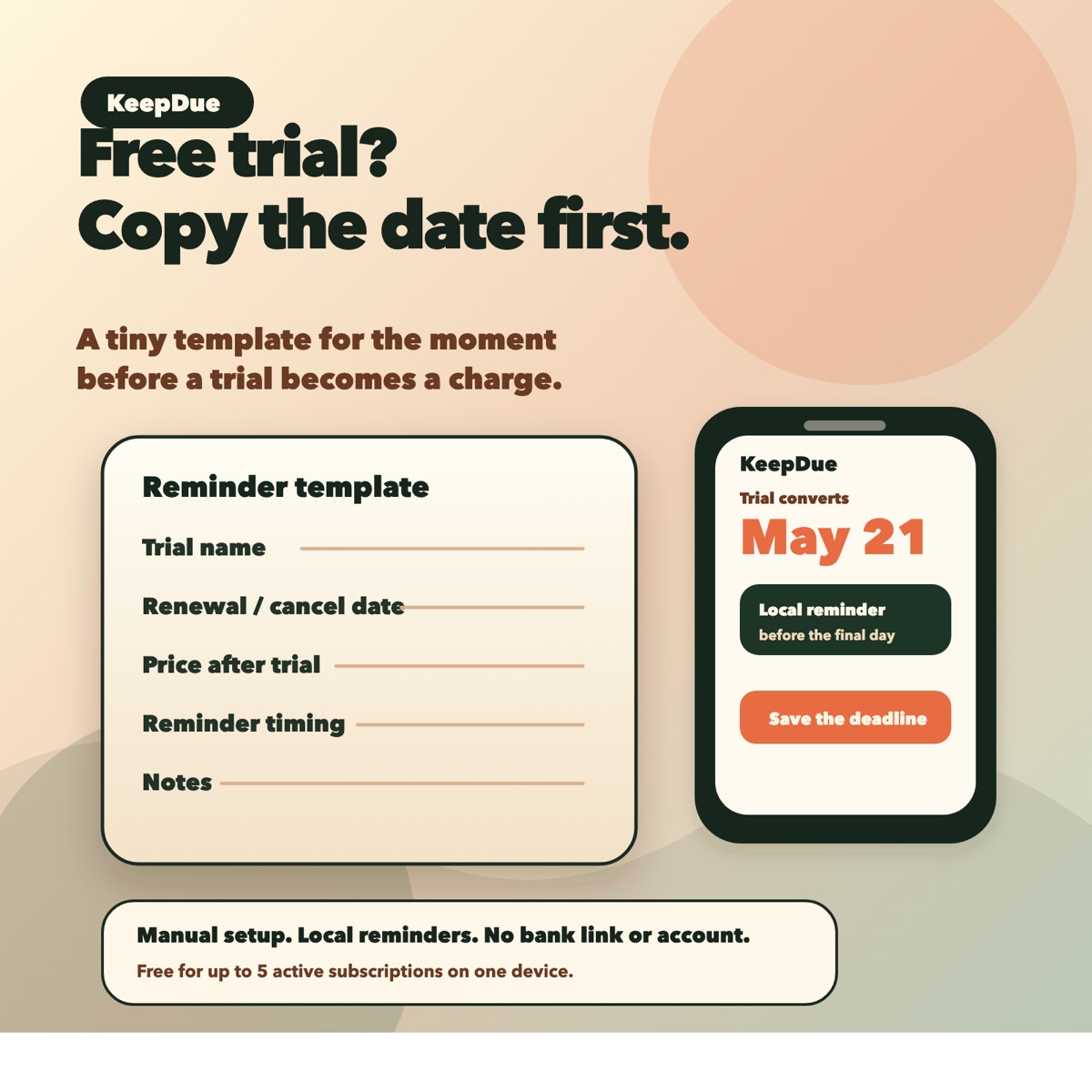
Forgotten trial charges usually happen because the deadline was left in a signup email, a memory, or a screen you already closed. The fix is to capture the renewal or cancellation date immediately and set a reminder before the final day.
Use the template below for any trial that asks for payment information before it starts.
The template
Trial name:
Renewal or cancellation date:
Price after trial:
Reminder timing:
Notes:What to record before closing the signup screen
- The service or app name.
- The exact renewal or cancellation date.
- The price after the trial ends.
- Whether the plan renews monthly or annually.
- A note about where to cancel if the signup screen shows it.
30-second setup
- Add the trial name.
- Add the renewal or cancellation date.
- Set the first reminder before the final day.
- Add a backup reminder for expensive trials or annual plans.
- Keep the entry somewhere that will notify you, not just store the note.
Where KeepDue fits
KeepDue is built for this manual reminder workflow. It lets you add a trial or subscription manually, see what is due next, and get local reminders before the charge. It does not require bank linking or an account.
KeepDue is free for up to 5 active subscriptions on one device. If you hit the current limit, read the free-limit guide.