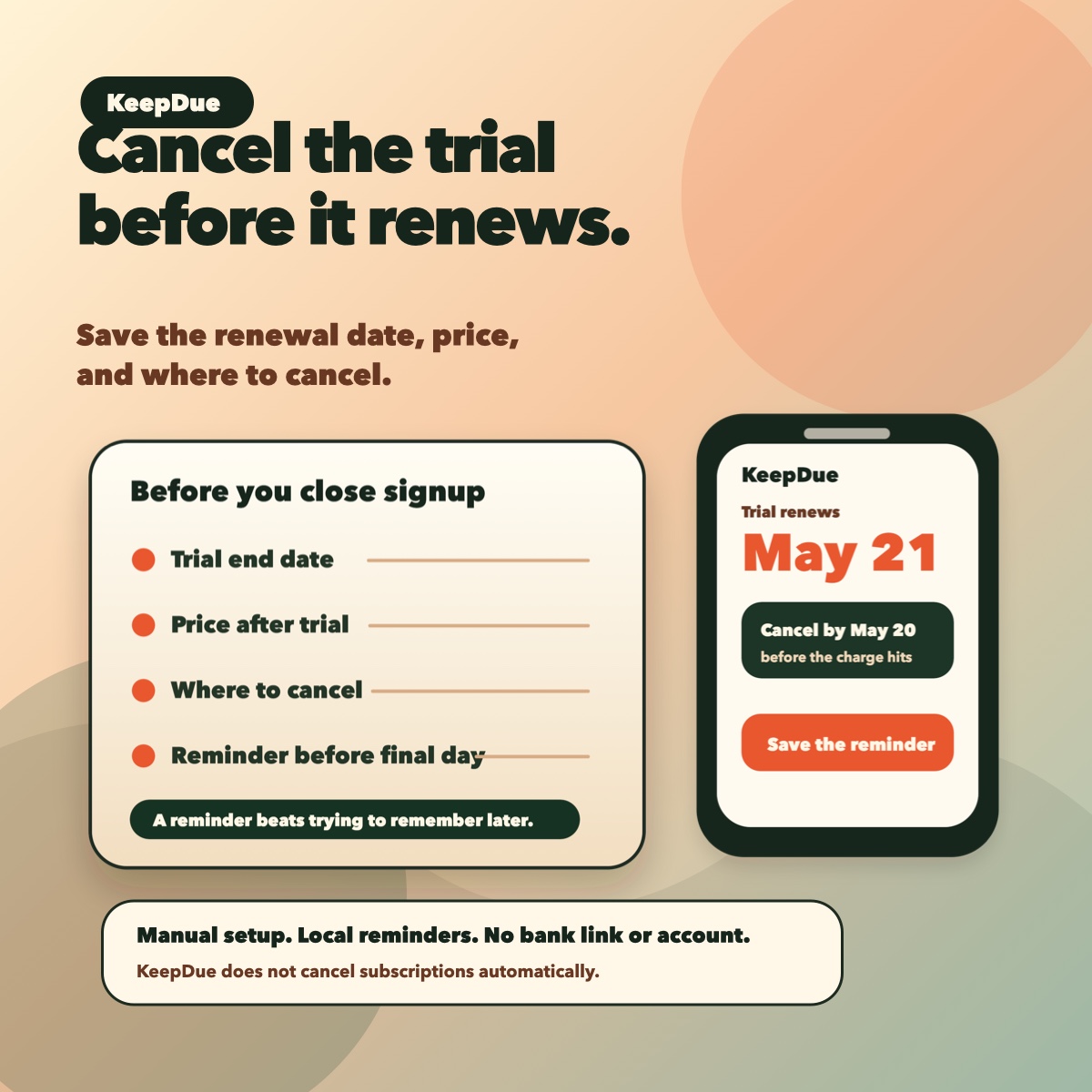
Before you close the app or browser, save the renewal date, price, and where to cancel.
What to capture before the trial starts
- App or service name.
- Trial end date or first renewal date.
- Price after the trial ends.
- Where cancellation happens: App Store subscriptions, the app, or the service website.
- A reminder date before the final day.
30-second reminder setup
- Add the trial name.
- Add the renewal or cancellation date.
- Set a reminder before the final day.
- Add the price in notes so the reminder has context.
- If the trial is expensive, add a second reminder a few days earlier.
What KeepDue can help with
KeepDue is built for this manual reminder workflow on iPhone. It helps you save trial, renewal, and cancellation dates and get local reminders before the charge.
KeepDue does not cancel subscriptions automatically, link to your bank, read your email, import receipts, or require an account for the core tracking flow. It is a reminder-first utility, not an automatic cancellation service.
KeepDue is free for up to 5 active subscriptions on one device. If you hit the current limit, read the free-limit guide.